

Best AI for Website Design: 7 Tools to Build Professional Websites in 2026
Oct 30, 2026 | By Yan lii
 Follow us
 Follow us
Building a professional website is now easier than ever. You no longer need coding skills or a large budget to get started. Artificial intelligence (AI) has changed website design by helping people create pages and write content with simple instructions.
Whether you run a small business or work as a freelancer or startup founder, the best AI for website design can help you build a professional online presence.
AI website builders can create website layouts and suggest colours and images. They can also write website content and provide SEO tools. Some platforms include hosting and online store features.
However, every AI website builder offers different features. Some are designed for beginners while others provide more control over website design.
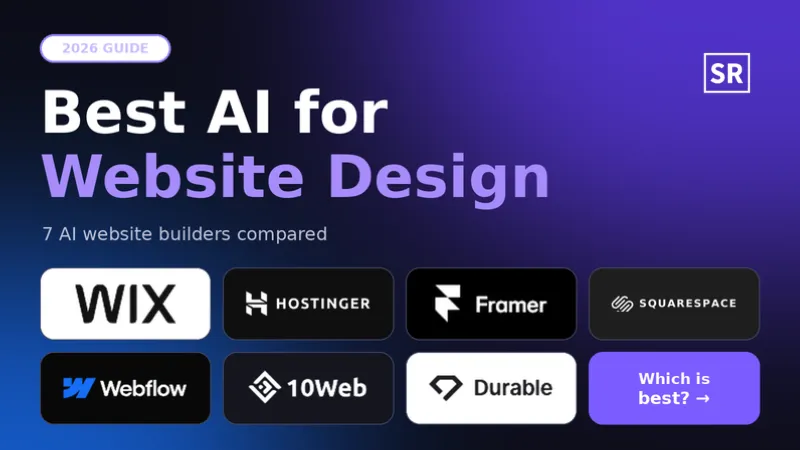
In this guide, we explore seven of the best AI website design tools in 2026. We also look at their features and explain how to choose the right one for your needs.
What Is an AI Website Design Tool?
An AI website design tool is software that uses artificial intelligence to help people create websites.
Users do not need to design every page from scratch. They can simply describe their business and explain what kind of website they want. The AI then creates a website with suggested layouts and content.
Most AI website builders also let users edit their websites without writing code.
For example, a restaurant owner can ask an AI tool to create a website with a food menu and business details. It can also include opening hours and a booking section.
These tools make website creation easier for people who want to build a website without hiring a professional developer.
Best AI for Website Design in 2026
There are many AI website builders available today. Each platform offers different tools and features. Here are seven options worth considering.
1. Wix AI Website Builder – Best Overall for Beginners
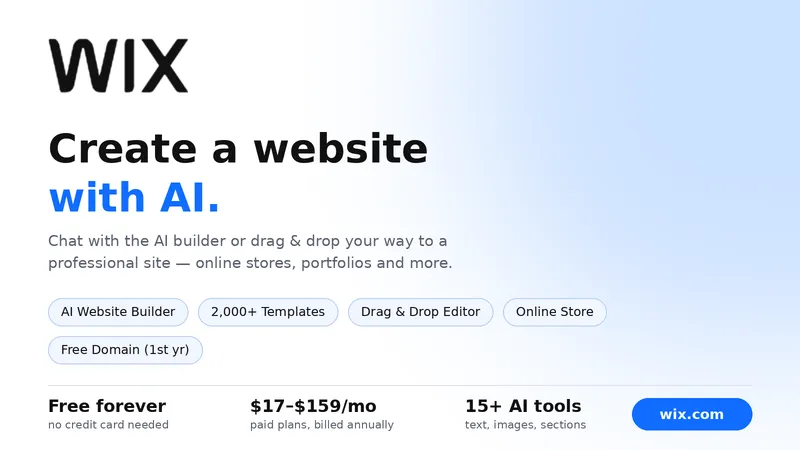
Wix is a popular platform for people who want to build a website without coding. Its AI website builder allows users to describe their business and website needs.
The platform then creates a website with suggested pages and layouts. It can also generate text and images.
Users can make changes through the visual editor. Wix also offers tools for online stores and appointment bookings. Other features include blogs and contact forms.
Key features:
- AI-powered website creation.
- Customisable templates and layouts.
- Built-in SEO and marketing tools.
- Online store and booking features.
- Website hosting and domain connection.
Best for: Small businesses and freelancers. It is also suitable for startups and beginners who want an all-in-one website platform.
2. Hostinger AI Website Builder – Best for Affordable Website Design
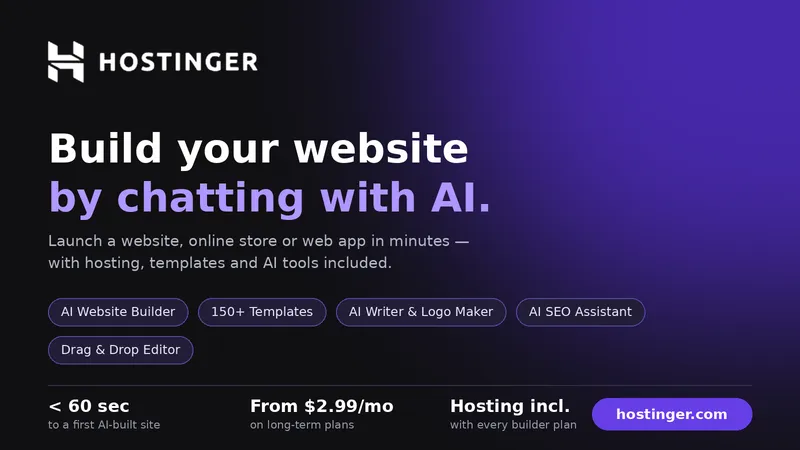
Hostinger is a useful option for people who want to build a website on a limited budget. Its AI website builder can create a website based on a short description of your business.
The platform also offers AI writing and image generation tools. Users can change website colours and update text without technical knowledge.
Hosting is included in its website builder plans. This makes it easier to manage a website from one place.
Key features:
- AI website generation.
- AI writing and image tools.
- Built-in hosting.
- SEO assistance.
- Drag-and-drop website editing.
Best for: Small businesses and personal websites. It is also a good option for users looking for an affordable website builder.
3. Framer AI – Best for Modern Website Designs
RECOMMENDED FOR YOU


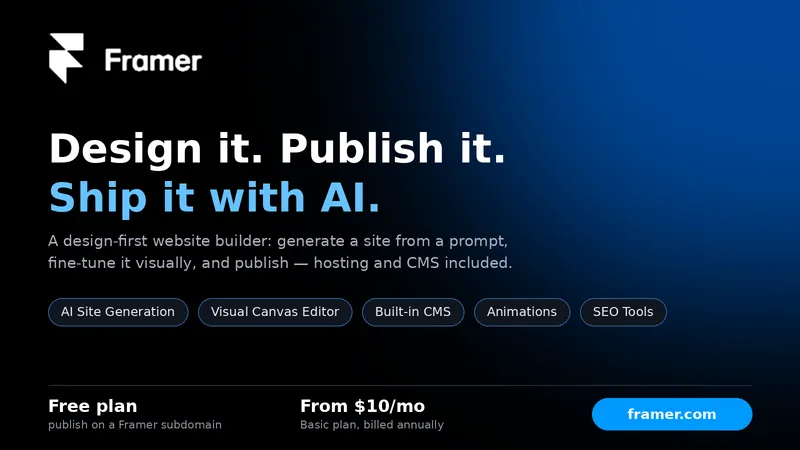
Framer is a good choice for people who want modern and attractive websites. Its AI tools can create website layouts and page structures from simple text instructions.
Users can customise fonts and colours. They can also add animations and change images and page sections.
Framer supports responsive website design. This helps websites work properly on computers and mobile devices.
It is especially useful for creating landing pages and websites with a strong visual design.
Key features:
- AI-generated website layouts.
- Responsive website design.
- Custom animations and visual effects.
- Content management features.
- Website design and publishing tools.
Best for: Designers and creative professionals. It is also suitable for startups that want modern website designs.
4. Squarespace AI – Best for Professional Business Websites
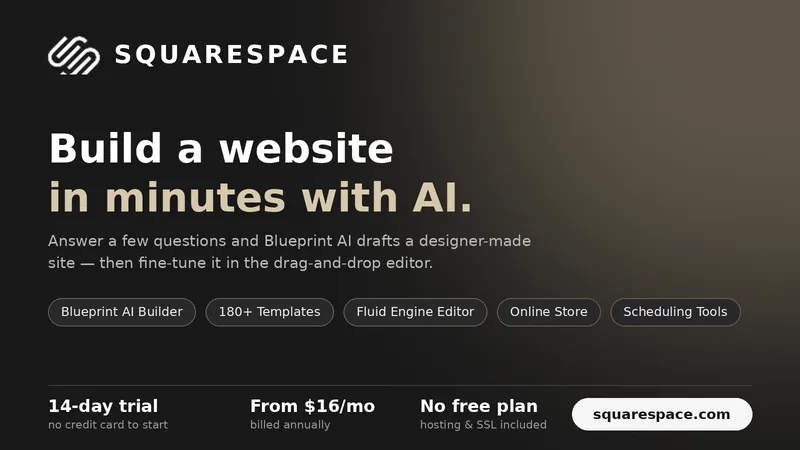
Squarespace is known for its professionally designed website templates. Its AI-assisted Blueprint tools help users create websites based on their business and design preferences.
The platform can suggest layouts and colours. It can also help with fonts and website content.
Users can edit these elements to match their brand. Squarespace also provides tools for blogging and online stores. It supports appointment scheduling and portfolio websites as well.
Key features:
- AI-assisted website creation.
- Professional website templates.
- AI content generation.
- Blogging and ecommerce tools.
- Marketing and analytics features.
Best for: Consultants and photographers. It is also useful for agencies and creative businesses that want professional-looking websites.
Read Also- How to Start an Etsy Shop in 2026: A Simple Guide for Beginners
5. Webflow – Best for Advanced Website Design
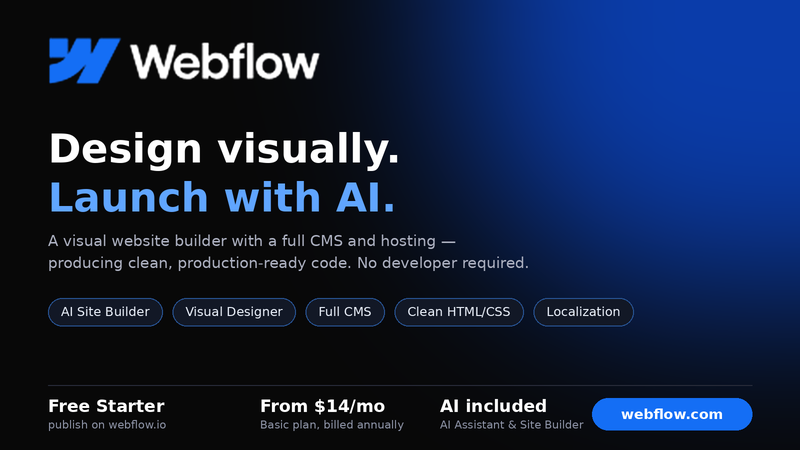
Webflow is a good option for businesses and designers who need more control over their websites. Its AI features help users create website pages and design elements.
The platform offers detailed control over page layouts and animations. Users can also customise fonts and responsive designs.
Webflow includes a content management system (CMS). This helps businesses manage blogs and other website content.
However, beginners may need some time to understand its design tools.
Key features:
- AI-assisted website generation.
- Advanced design controls.
- Built-in content management system.
- Responsive website layouts.
- SEO and website optimisation tools.
Best for: Website designers and agencies. It is also suitable for growing businesses and marketing teams.
6. Durable AI – Best for Small Service Businesses
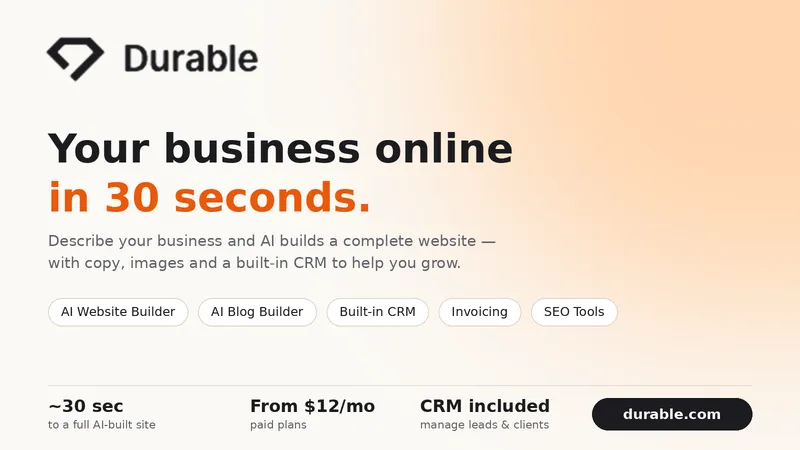
Durable helps small businesses create websites quickly. Users can enter basic information about their business and the AI generates a website with relevant sections and content.
The platform is useful for service-based businesses that need a simple website without spending too much time on design.
Depending on the selected plan, Durable also offers tools for customer management and invoicing.
Key features:
- Quick AI website generation.
- AI-written website content.
- Business website templates.
- Marketing and SEO tools.
- Additional business management features.
Best for: Consultants and freelancers. Contractors and local service providers can also use the platform.
7. 10Web – Best for WordPress Websites
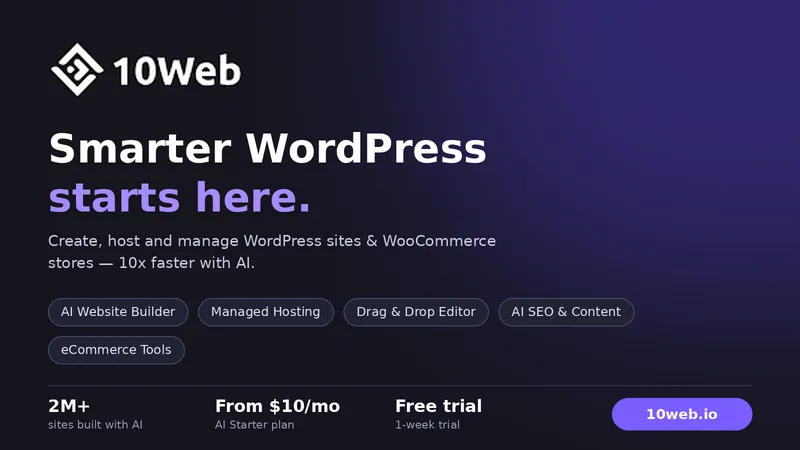
10Web is an AI-powered platform for people who want to build websites using WordPress. It can create website designs from text descriptions and help users recreate existing websites.
The platform also offers AI tools for writing content and editing pages. It includes features that help improve website performance.
One of its main advantages is its connection with WordPress. Users can access WordPress themes and plugins to add more features to their websites.
Key features:
- AI-generated WordPress websites.
- AI content creation.
- Website redesign tools.
- WordPress plugin support.
- Website performance optimisation.
Best for: Bloggers and agencies. It is also useful for businesses that prefer working with WordPress.
Quick Comparison of the Best AI Website Design Tools
Here is a simple comparison of the seven platforms.
| AI tool | Best for | Main advantage |
| Wix AI | Beginners and businesses | All-in-one website building |
| Hostinger | Budget-friendly websites | Affordable hosting and AI tools |
| Framer | Creative websites | Modern designs and animations |
| Squarespace | Professional websites | High-quality templates |
| Webflow | Advanced design | More design control |
| Durable | Small businesses | Fast website creation |
| 10Web | WordPress websites | AI-powered WordPress building |
The best choice depends on your website goals and budget. Some tools focus on simple website creation while others offer more design options.
How to Choose the Best AI for Website Design?
Choosing an AI website builder depends on the type of website you want. Before selecting a platform consider these important factors.
1. Understand Your Website Needs
First decide what type of website you want to create. A business website and an online store have different requirements.
For example, a freelancer may only need a portfolio and contact page. An online store needs product pages and payment options.
Choose a platform that supports the features your website requires.
2. Check Customisation Options
Choose a website builder that lets you change colours and fonts. You should also be able to edit images and website layouts.
AI-generated designs may not always match your expectations. Good editing options help you create a website that fits your brand.
3. Compare Pricing Plans
Some platforms offer free plans while others require paid subscriptions.
Compare monthly and yearly prices before choosing a tool. Also check whether hosting and domain connections are included.
You should also look at the cost of extra AI features and other services.
4. Look for SEO Features
A website should be easy for search engines to understand.
Look for features such as:
- Custom page titles and meta descriptions.
- Mobile-friendly website layouts.
- Image alt text options.
- Fast page loading.
- Custom URLs and redirects.
- Sitemap and indexing support.
These features can help improve your website's search visibility. However, an AI website builder alone cannot guarantee better Google rankings.
5. Check Mobile Responsiveness
Many people visit websites through their smartphones. Your website should look good and work properly on smaller screens.
Choose a platform that supports responsive designs. It should also let you preview your website on different devices.
Can AI Design a Complete Website Without Coding?
Yes. Modern AI website builders can create a complete website draft from simple text instructions.
Users can describe their business and explain which pages they need. The AI can then create layouts and write initial content. It can also suggest suitable images.
However, you should review the website before publishing it. Check all the information and replace unsuitable images. Update your business details and test every feature.
For websites that need advanced integrations or custom functions you may still need help from a professional developer.
Final Thoughts
AI has made website design easier for people and businesses that want to build a professional online presence without spending too much time or money.
The best AI for website design depends on your needs. Wix is a good choice for beginners and small businesses. Hostinger is useful for affordable website creation while Framer is better for creative designs. Webflow offers more control for advanced projects.
Before choosing a platform compare its features and pricing. Also check its SEO tools and customisation options.
A good AI website builder should help you create an attractive website. It should also make it easy to manage and update your website as your business grows.
FAQs
1. What is the best AI for website design in 2026?
Wix AI is a strong option for beginners and small businesses. Framer is suitable for modern designs while Hostinger is useful for people with a limited budget. Webflow is a good choice for users who need more design control.
2. Can I build a website for free using AI?
Yes. Platforms such as Wix and Framer offer free entry-level options. However, free plans may have limited features or include platform branding. Some may also restrict custom domain connections.
3. Which AI website builder is best for small businesses?
Wix and Hostinger are useful choices for small businesses. Both offer website creation tools that help companies build and manage their online presence.
4. Is AI website design good for SEO?
Yes. Many AI website builders offer SEO tools such as editable page titles and meta descriptions. They also support mobile-friendly layouts and image optimisation. However, good search rankings depend on content quality and website performance as well as relevant keywords and backlinks.
5. Can AI create an ecommerce website?
Yes. Several AI website builders support ecommerce websites. Wix and Squarespace offer tools for product listings and online payments. They also provide features for managing online orders.
6. Do I need coding skills to use an AI website builder?
No. Most AI website builders are designed for people without coding experience. Users can create and edit websites through visual tools and simple text instructions.
Recommended Stories for You

Yan li Dec 31, 2025

Yan li Jan 2, 2026

Team SR Dec 29, 2025
Carmela Catilo Sep 28, 2026

Yan lii Oct 29, 2026
Yan li May 6, 2025
Trending Stories

AppsForBharat Raises $20M in Series C Round Led by Susquehanna Asia VC
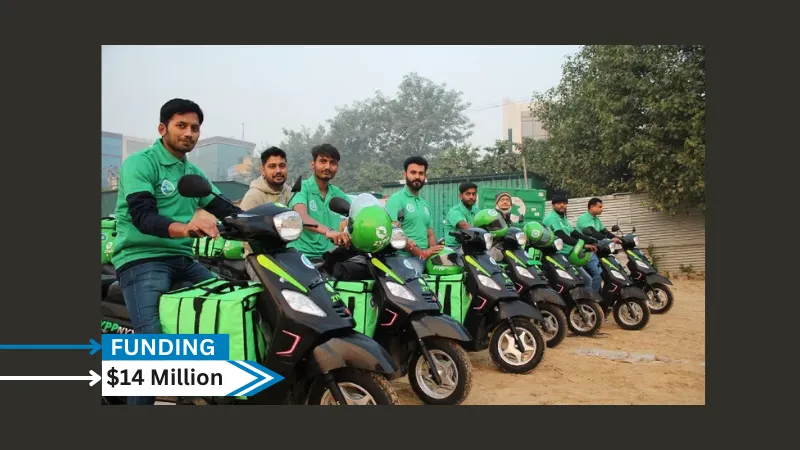
[FUNDING NEWS] India-Based Zypp Electric Secures $14 Million in Series C Funding

Lab-Grown Diamond Startup Coluxe Raises Funds from Friends and Family Round

Bookmybai raises INR 2 Crore in Pre-Series A CCPS Round led by Inflection Point Ventures

Defence Tech Startup Sanlayan Raises INR 186 Crore in Series A Funding

[FUNDING NEWS] India-Based Indkal Technologies Secures $36 Million in Funding

Sweet Karam Coffee Secures $8 Million in Series A Round Funding
Drone Startup Enercomp Secures INR 2 Crore in Bridge Funding